
Testing Your Designs With Real Users
Learn practical methods to validate your designs and uncover improvements before launch

Why Real User Testing Matters
You've spent weeks designing your interface. The layouts look clean, the colors work together, and you're pretty happy with how everything flows. But here's the thing — you're not your actual user. What makes perfect sense to you might confuse someone else entirely.
That's where user testing comes in. It's not about proving your design is right. It's about discovering where it breaks, where people get stuck, and what actually works. When you test with real people, you'll find problems you never would've spotted alone. And that's exactly what you want before launch.

The Main Testing Approaches
Different situations call for different methods. Here's what actually works.
Moderated Testing
You sit with a participant while they use your design. You watch, listen, and ask questions. Takes about 45-60 minutes per session. You'll see exactly where they hesitate and hear what confuses them. It's hands-on and gives you real insight.
Unmoderated Testing
Participants complete tasks on their own, recorded. You're not there during the session. Tools like UserTesting.com or Maze handle it. Cheaper and faster to get multiple responses, but you miss real-time follow-up questions.
Interviews & Feedback
Conversation-based research. Ask people about their needs, pain points, and what matters to them. Less about task completion, more about understanding context. Good for early-stage design decisions.
Analytics & Behavior
Track what real users actually do on your live site. Heatmaps, scroll tracking, click patterns. You're not watching specific sessions — you're seeing aggregate behavior. Reveals what works without asking.
A/B Testing
Show different versions to different users. Measure which one performs better. Needs enough traffic to matter, but it's objective. You're not relying on what people say — you're seeing what they actually choose.
Guerrilla Testing
Quick, informal testing with whoever's nearby. Grab someone in a coffee shop or at a local event. Fast feedback, minimal prep. Not rigorous, but sometimes that's okay when you just need directional insight.
Running a Moderated Test Session
The most direct way to learn. Here's how to actually do it.
Define Your Goals
Don't just say "test the design." Be specific. Are you checking if people understand the navigation? Can they find the checkout button? Do they trust the content? Write down 3-5 things you actually want to know. Your questions should be about tasks, not opinions.
Find the Right Participants
Match your test group to your actual users. If you're designing for accountants, don't test with graphic designers. You need 5-8 people for moderated sessions — that's enough to spot patterns without taking forever. Recruit through your user base, online communities, or services like UserTesting.
Write Clear Tasks
Tell participants what to do, not how. Instead of "click the menu," say "find out what shipping options we offer." Let them figure out the path. Tasks should take 2-5 minutes each. Have 4-6 tasks total. Avoid leading them toward what you think is right.
Record Everything
Use screen recording tools like Zoom or Loom. Get audio, video, and screen capture. This lets you watch later without frantically taking notes during the session. You'll catch things you missed the first time. Always ask permission to record.
Listen More Than You Talk
Don't explain how to use your design. When someone gets stuck, stay quiet. Give them 10-15 seconds to figure it out. Ask "why did you click there?" or "what were you looking for?" Hear their thinking, not your assumptions. It's awkward at first. That's normal.
Analyze & Take Action
Watch your recordings. Write down problems you see. Which tasks failed most? Where did people hesitate? Group similar issues. Don't fix everything at once — prioritize what affects the most users or creates the biggest friction. Then iterate and test again.
What You'll Actually Learn
Real user testing reveals things that gut feeling and assumptions hide. You'll discover which features confuse people, where they expect things to be, and what actually makes them confident using your design.
Maybe you thought your labeling was clear, but three participants looked for something with a different name. Maybe people scroll past your main call-to-action because it blends into the background. Maybe the flow that made sense to you creates frustration in practice.
You'll also learn what's working. If everyone completes a task smoothly and says it felt intuitive, you're doing something right. These wins matter — they tell you which decisions to keep.
"The best part about user testing is that it removes ego from the equation. You're not defending your design choices anymore — you're just learning what actually works for people who aren't you."
— Design researcher insight

Make Testing Work for You
Practical tips for better results
Start Early, Not Late
Test with wireframes or rough prototypes. Don't wait until design is "perfect." Early feedback shapes your direction. You'll waste less time polishing something that doesn't work.
Test Often, Test Small
Don't run one massive study. Do 3-4 small tests throughout your project. Five people reveal patterns. Iterate, test again, refine. It's faster and cheaper than trying to fix everything at once.
Watch for Emotions, Not Just Actions
People's tone, hesitation, and frustration matter as much as what they do. Someone who completes a task while muttering "this is confusing" is telling you something important. Note the emotional experience, not just task completion.
Recruit Real Users
Your friends aren't your target audience. Find actual people who'd use your design. They'll have different mental models, different expectations, and different struggles. That's where the real learning happens.
Focus on Tasks, Not Feedback
When someone says "I like this button," that's an opinion. When they say "I didn't see the button," that's data. Behavior and task completion tell you what actually works. Preferences are less reliable.
Share Findings, Not Just Recordings
Create a simple summary: which tasks failed, where people hesitated, what surprised you. Stakeholders won't watch 45-minute videos, but they'll read key takeaways. Show clips for the biggest issues. Make it actionable.
Tools That Help
You don't need fancy software to start. Here are practical options.
Zoom or Google Meet
Free video calls with built-in recording. Perfect for moderated sessions. Screen sharing lets you watch them interact with your design in real time.
Loom
Simple screen recording with automatic transcription. Great for async feedback or capturing testing sessions without fuss.
UserTesting.com
Unmoderated testing at scale. Participants complete your tasks, you get video recordings. Costs more but reaches diverse users quickly.
Maze
Prototyping with built-in user testing. Create flows, invite testers, get heatmaps and metrics. Integrates with design tools.
Hotjar
Heatmaps and session recording for live sites. See where people click, scroll, and get stuck. Reveals behavior patterns without manual testing.
Google Analytics
Free analytics for behavior tracking. Not a testing tool, but shows you where real users drop off and what paths they take.
The Takeaway
Testing with real users isn't complicated. It doesn't require massive budgets or fancy labs. Grab 5-8 people, give them tasks, watch what happens, and listen to what they tell you. You'll learn more from one hour of user testing than a week of hypothetical discussions.
The hardest part is being willing to hear that your design needs work. But that's also the whole point. Every problem you discover before launch is a problem you won't have to fix after. Users will appreciate the design that actually works for them — not the one that looked good in your head.
Related Articles
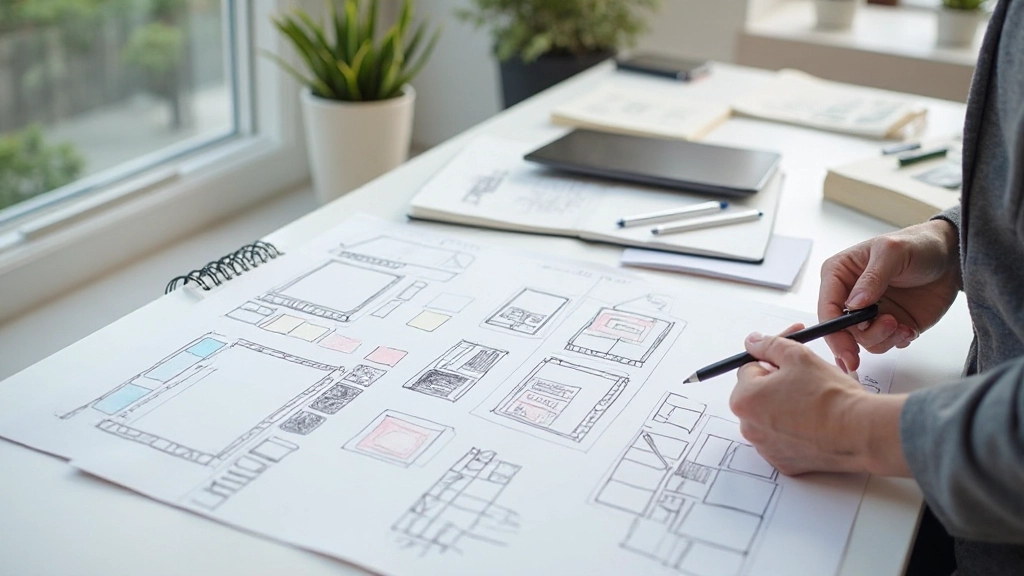
Understanding User Experience Fundamentals
Learn the core principles of UX design and how to create interfaces that actually work for people.
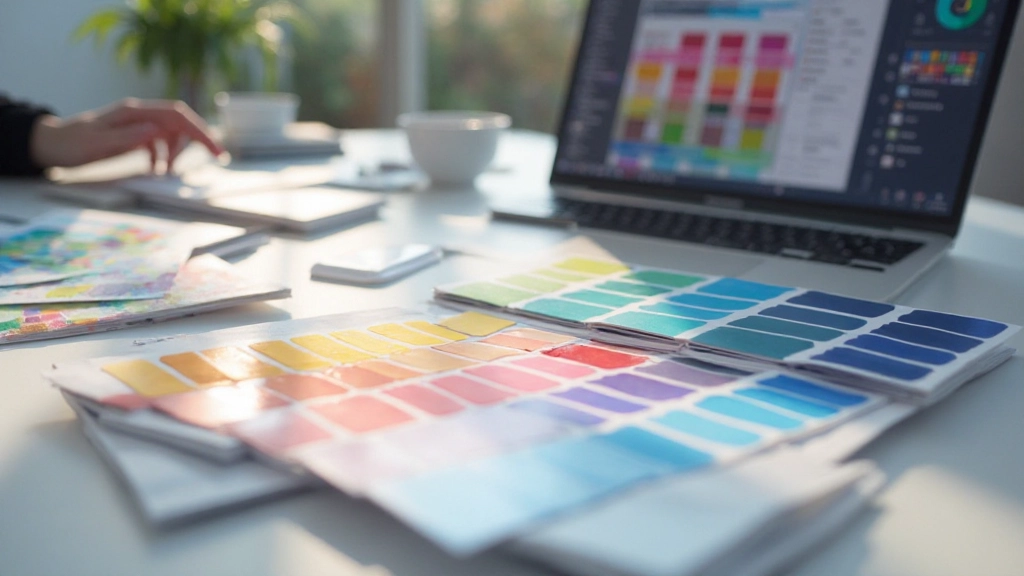
Choosing Colors That Work Together
Practical guide to color theory, contrast, and accessibility. Make your designs look good and work well.
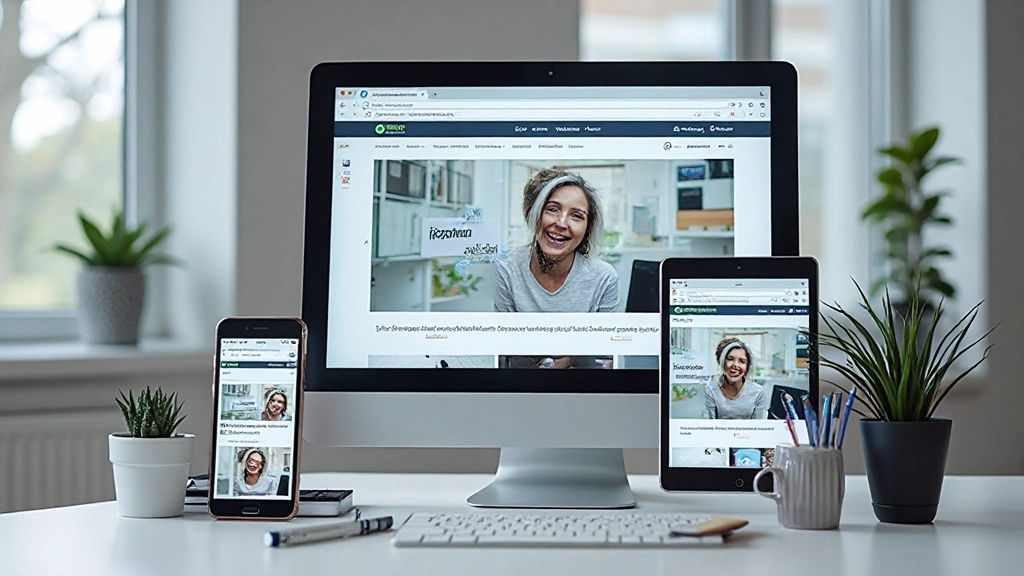
Building Responsive Websites That Look Good Everywhere
Step-by-step approach to making websites that adapt seamlessly from mobile phones to large screens.
Disclaimer
This article provides educational information about user testing methods and best practices in design. The approaches and tools described are based on established UX research principles. Results and effectiveness vary based on your specific context, audience, and implementation. Always adapt these methods to fit your project's unique needs and constraints. User testing is an iterative process — what works for one project may need adjustment for another.